While scrolling social media on your mobile, do you realize how attractive the moving text videos are? That’s also known as kinetic typography and text animation.
Now, adding moving text effects to videos has become a trend. It keeps the audience engaged and makes it unique among other videos. As compared to plain text, animated text is more vivid and continues to attract the audience. It highlights key moments, creates the atmosphere, and makes the story easier.
For brands, it highlights messages that matter. For creators, it keeps audiences watching longer. And to storytellers, it gives vitality, which dull titles cannot give. Kinetic typography is not only a trend in 2025 but also defines how videos can reach people.
Let’s learn everything about these magical effects on video.
| Navigation Part 1: What Is Kinetic Typography and Why Is It Trending? Part 2: Benefits of Using Text Animation in Videos Part 3: How to Create Animated Text with Filmora’s Text Animation Maker
|
Part 1: What Is Kinetic Typography and Why Is It Trending?
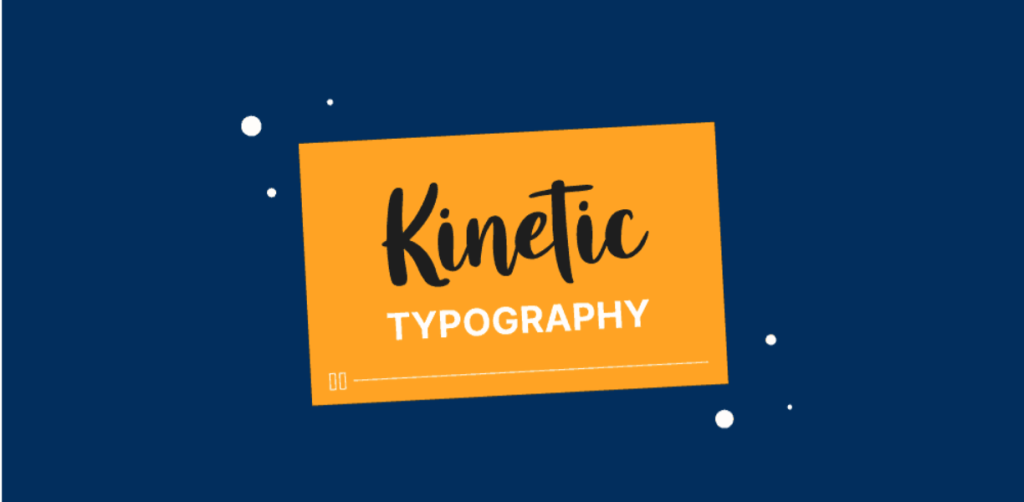
The kinetic typography is better known as animated text. These are generally moving texts on videos and offer a better viewing experience, as well as keep viewers engaged. The texts are not just written on the screen but rather distributed, slid, bounced, or faded according to the mood of the video.
So why is it everywhere in 2025?
- Lack of concentration: Individuals scroll at high speed, and any text that is in motion immediately captures their attention.
- Social media style: The Animated captions and text perfectly fit into the fast and visually aesthetic social media platforms.
- Sound-off culture: Most users like watching videos without the sound on, and with kinetic text, the user can easily interpret the content.
This is why it is not only creators who use it; marketers, educators, gamers, and brands are also using the power of the animated text to keep their content interesting and reachable.
Part 2: Benefits of Using Text Animation in Videos
Kinetic typography is not a mere aesthetic phenomenon but a useful tool that will make your videos more visible and memorable. This is why creators, brands, and educators are turning to it in 2025:
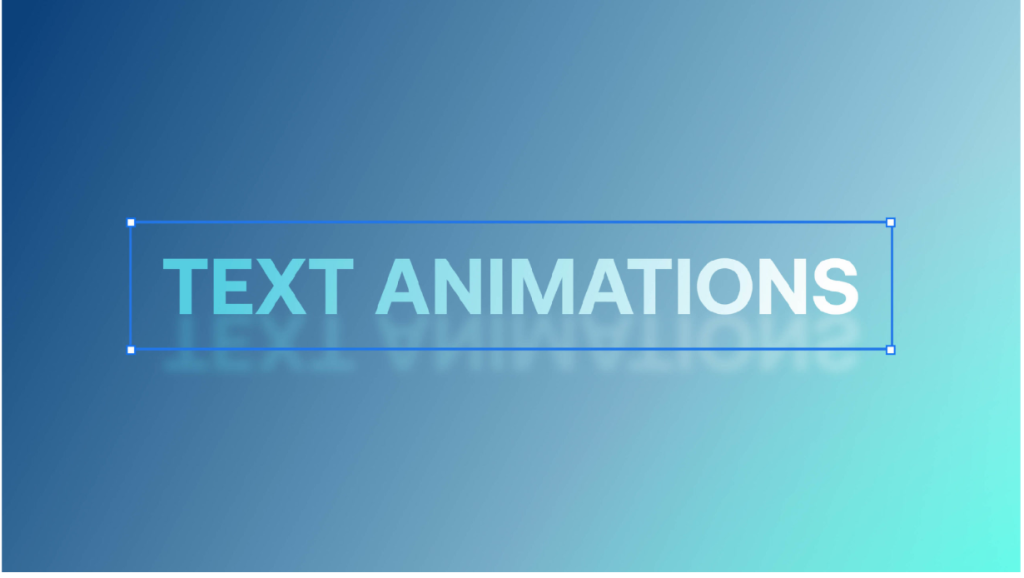
- Keeps viewers engaged: Texts with animations will provide the audience with something to watch, and thus, they will be more willing to watch until the end. Even on the high-speed feeds, something that is moving on the screen or a bold keyword popping up keeps the attention alive.
- Improves clarity and storytelling: Not everything is only told through visuals. Text animation can either be applied to underline a significant message, highlight an emotional moment, or even be applied to a complex piece of information to make it easier and digestible.
- Strengthens branding: The motion of your text tells even more about your brand than your logo does. A smooth fade will help in making your content look refined, whereas a bounce will bring some vigor. With time, the viewers begin to identify your style.
- Boosts shareability: Videos are fun and easy to repost because of trendy text effects such as bouncing lyrics, captions on memes, or dramatic highlights. It is a viral factor that can drive content even more.
In other words, text animation not only looks good but also makes your content communicate, work better, and feel more memorable.
Part 3: How to Create Animated Text with Filmora’s Text Animation Maker
So knowing the benefits of animated text has helped you understand why it’s trending and why you see it in every other video. Now you like to put those magical text effects on your videos, but don’t know where to start. Fortunately, here is the most trusted video editor software, Wondershare Filmora, which offers you everything. Let’s have an easy look and an amazing experience using the built-in text animation maker in Filmora.
Here’s a quick step-by-step guide to adding animated text in Filmora:
Step 1: Launch Filmora and click “New Project” to begin your edit.
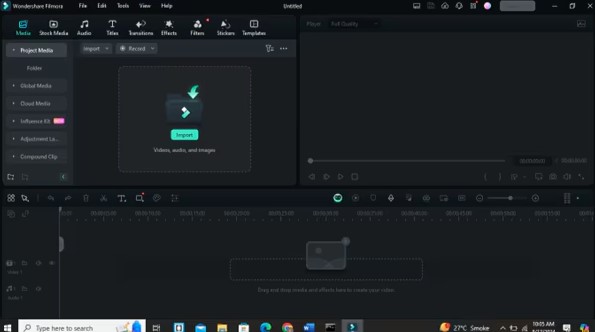
Step 2: Hit “Import” to bring in your video files, then drag them onto the timeline.

Step 3: Go to the “Titles” tab, pick a text style you like, and place it above your video on the timeline.

Step 4: Double-click the text clip to open the editor, where you can adjust the font, size, color, and position.

Step 5: Head to the “Animation” tab and choose effects like slide, fade, or typewriter to bring your text to life.

Step 6: Click Play to see how it looks. Adjust timing, placement, or effects until it feels just right.
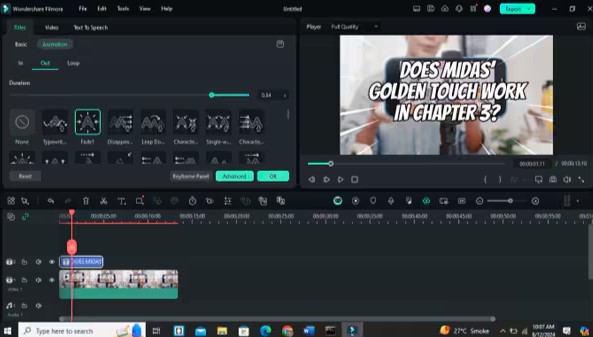
Step 7: Once you’re happy, hit “Export” to save your video in the format you need—or share it directly.

You can create animated text that looks professional and polished in just minutes, without any advanced editing. Looking for extra impact? Just sync with the beat of the music and the change of the scene or the voice-over, and create a professional and smooth touch.
The simplicity and freedom of creativity are the features that make Filmora unique. It offers high-quality animated text without hours of keyframing or mastering complicated software and is ideal for anyone who wants to ride the kinetic typography craze in 2025.
Conclusion
Kinetic typography has not only become a design experiment but also one of the largest video trends of 2025. It may be a brand that is centered on a slogan, an influencer who makes people never leave TikTok, or even a teacher who can make a complex idea easy to grasp. It happens that animated text may be used to attract, clarify, and inspire. The best part? It does not need expensive software or advanced editing skills. With the help of the text animation tool of Wondershare Filmora, any person can create a kinetic typography that appears professional in a few clicks. It is fast, effortless, and flexible—it is best suited to the present fast, digitalized world.